> ## Documentation Index
> Fetch the complete documentation index at: https://docs.property-genius.co/llms.txt
> Use this file to discover all available pages before exploring further.
# Contacts
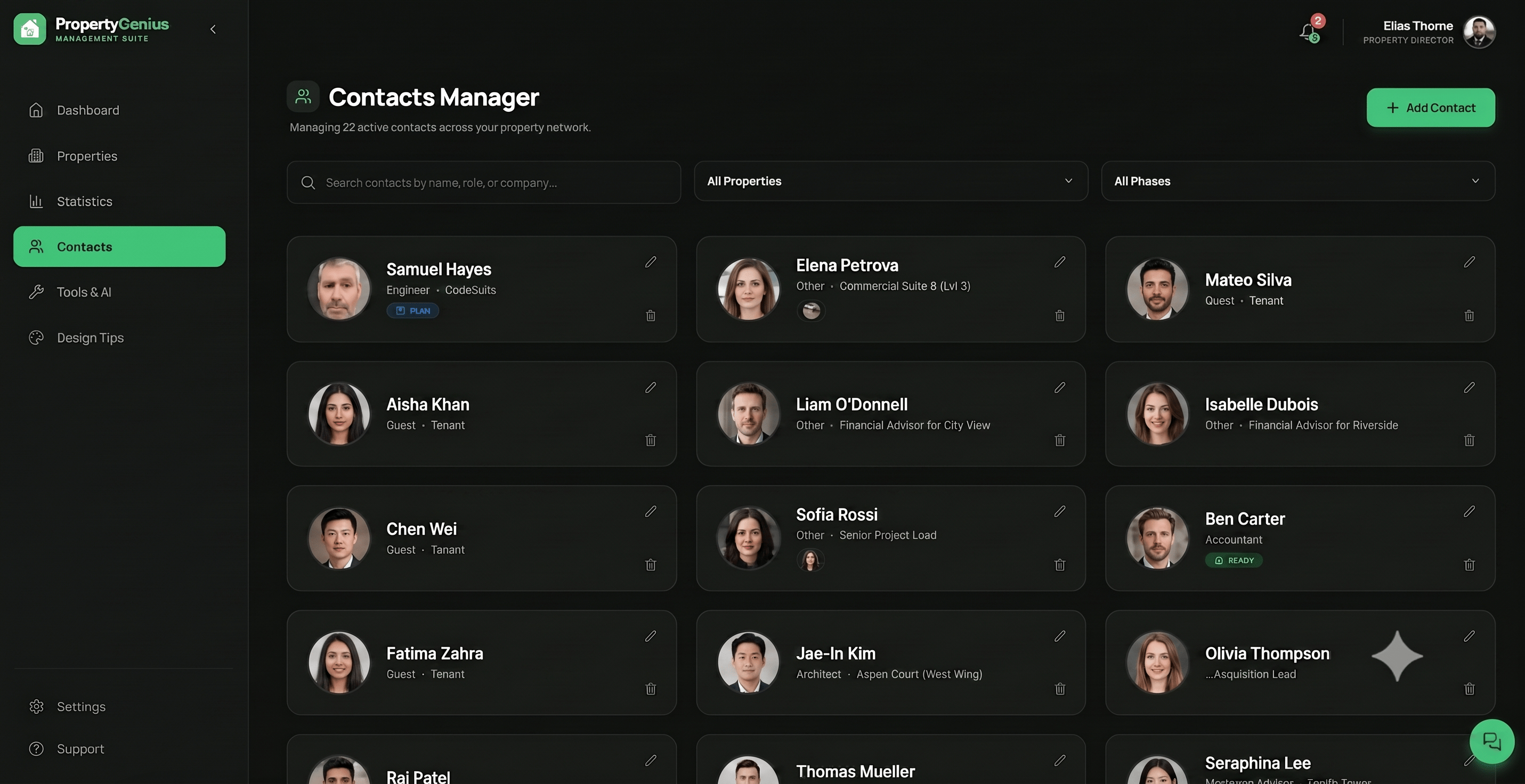
The Contacts Manager allows you to assign professionals to specific milestones and events for each property and lifecycle phase, helping you streamline and improve your property management.
 ### Add Contact
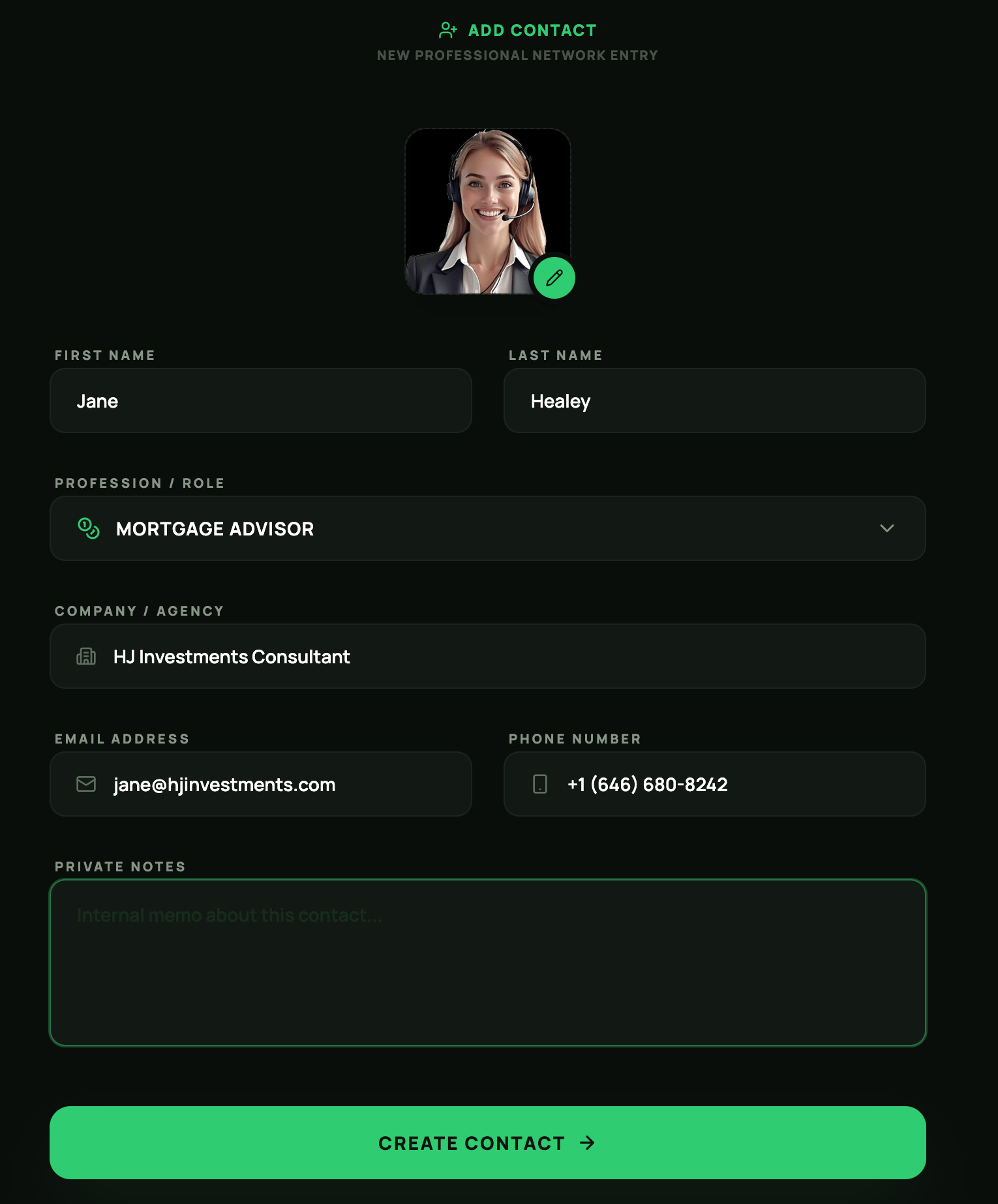
Contacts can be added directly from the **Contacts** main page or created during your property management workflow (learn more in the [**Property Inventory**](/property-management) section).
### Add Contact
Contacts can be added directly from the **Contacts** main page or created during your property management workflow (learn more in the [**Property Inventory**](/property-management) section).