> ## Documentation Index
> Fetch the complete documentation index at: https://docs.property-genius.co/llms.txt
> Use this file to discover all available pages before exploring further.
# Quickstart
> Begin with a guide on the fastest path to a successful outcome
Describe how someone begins using your product. What is the first thing they need to do? Are there any prerequisites?
A quickstart should take someone from zero to using your product. They'll get a quick win and a sense of what they can accomplish.
## Prerequisites
Before you begin, you must have:
* Requirement one (for example, Node.js 18+, a free account, an API key)
* Requirement two (for example, a compatible device, a compatible browser, a compatible operating system)
## Get started
Follow the instructions in the [Properties Inventory](/property-management) page to add your first Property item.
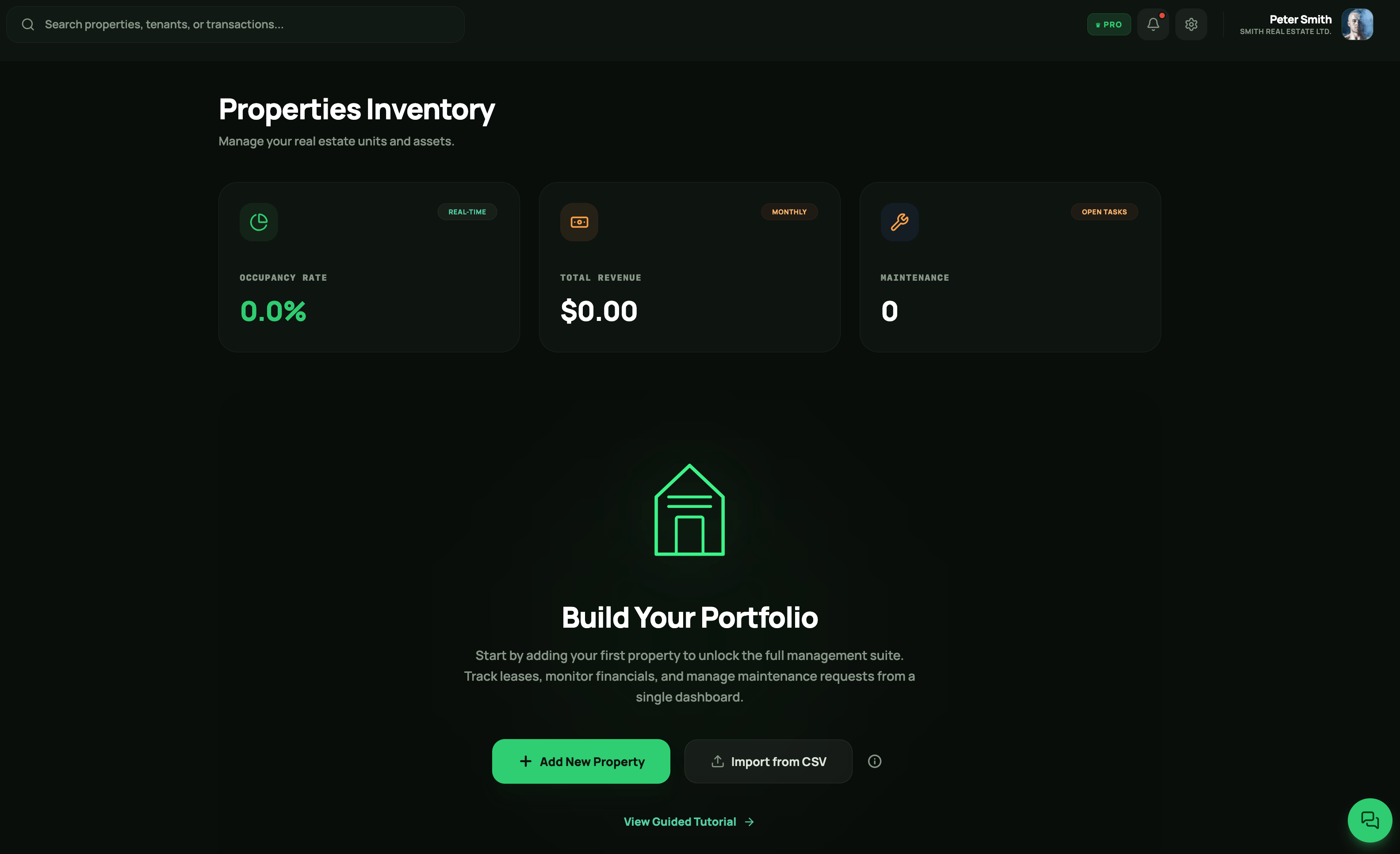
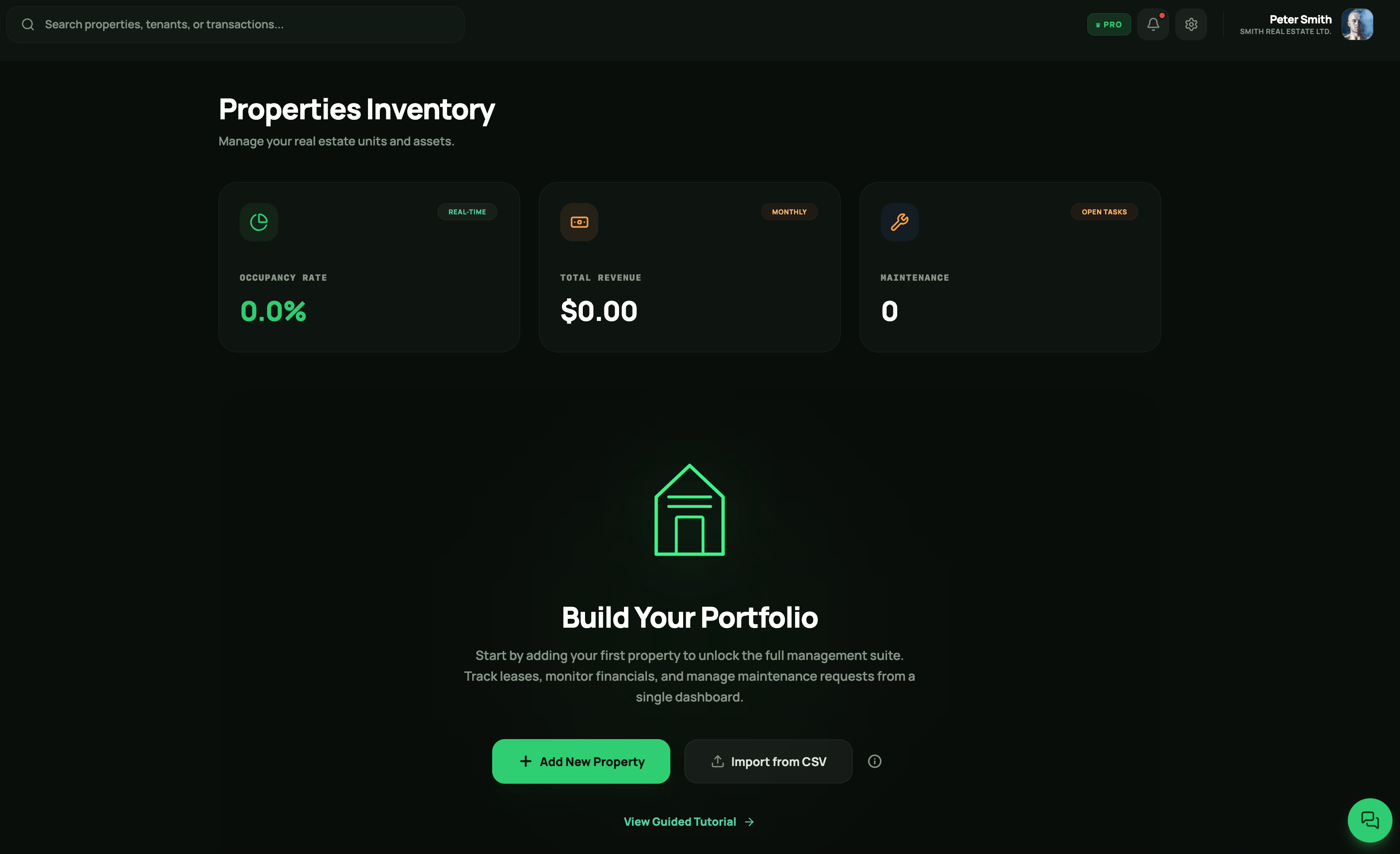
Click on the property item created in Step 1.
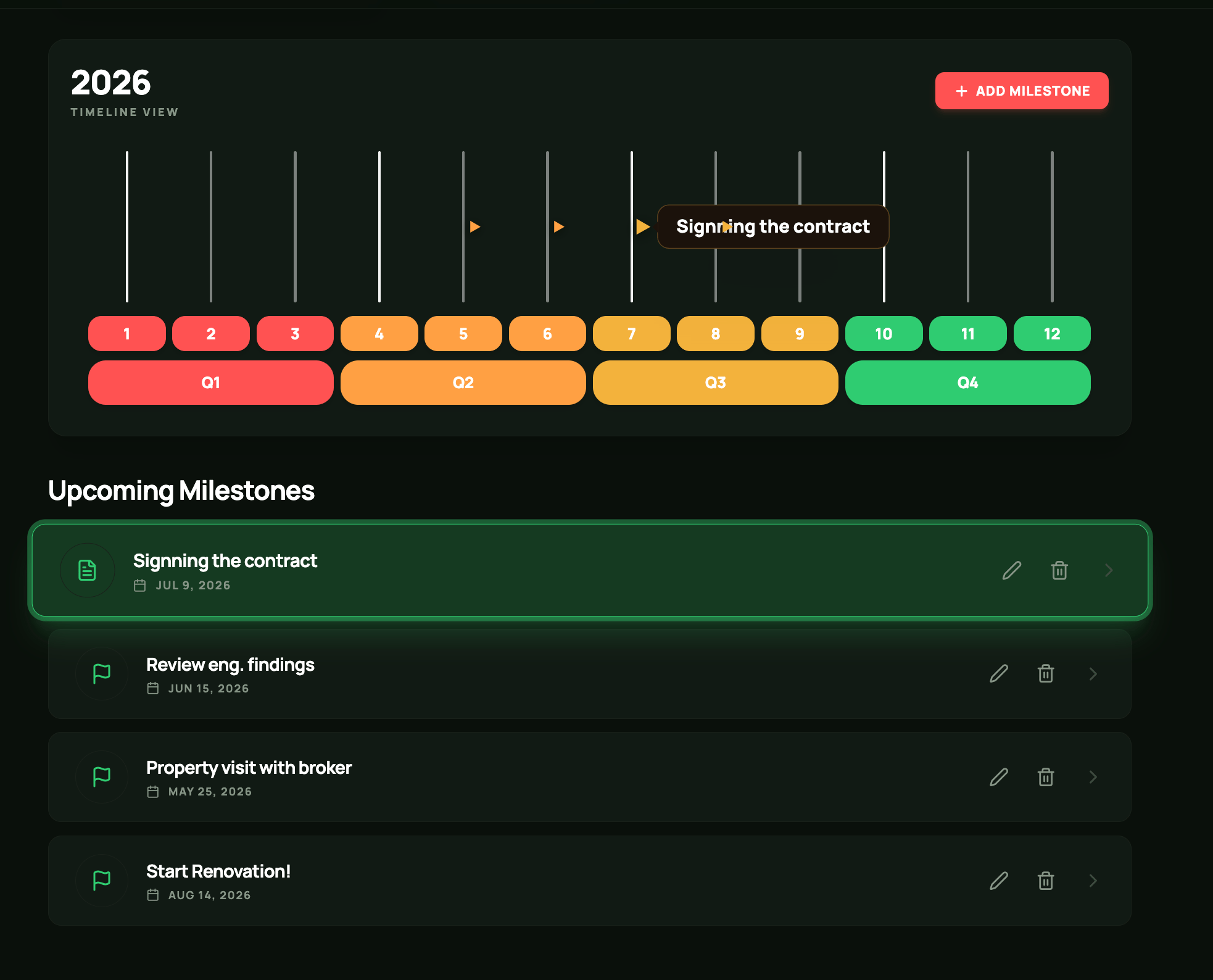
Based on the selected status phase, define the relevant milestones, tasks, and expenses.
Once the **PLAN** and **WORK** phases are completed, or if the property was initially set to **READY**, you can define and manage your tenants.
Optionally, sync your Airbnb, [Booking.com](http://Booking.com), and Agoda calendars with the PropertyGenius calendar to keep your rental information **organized in one place**!
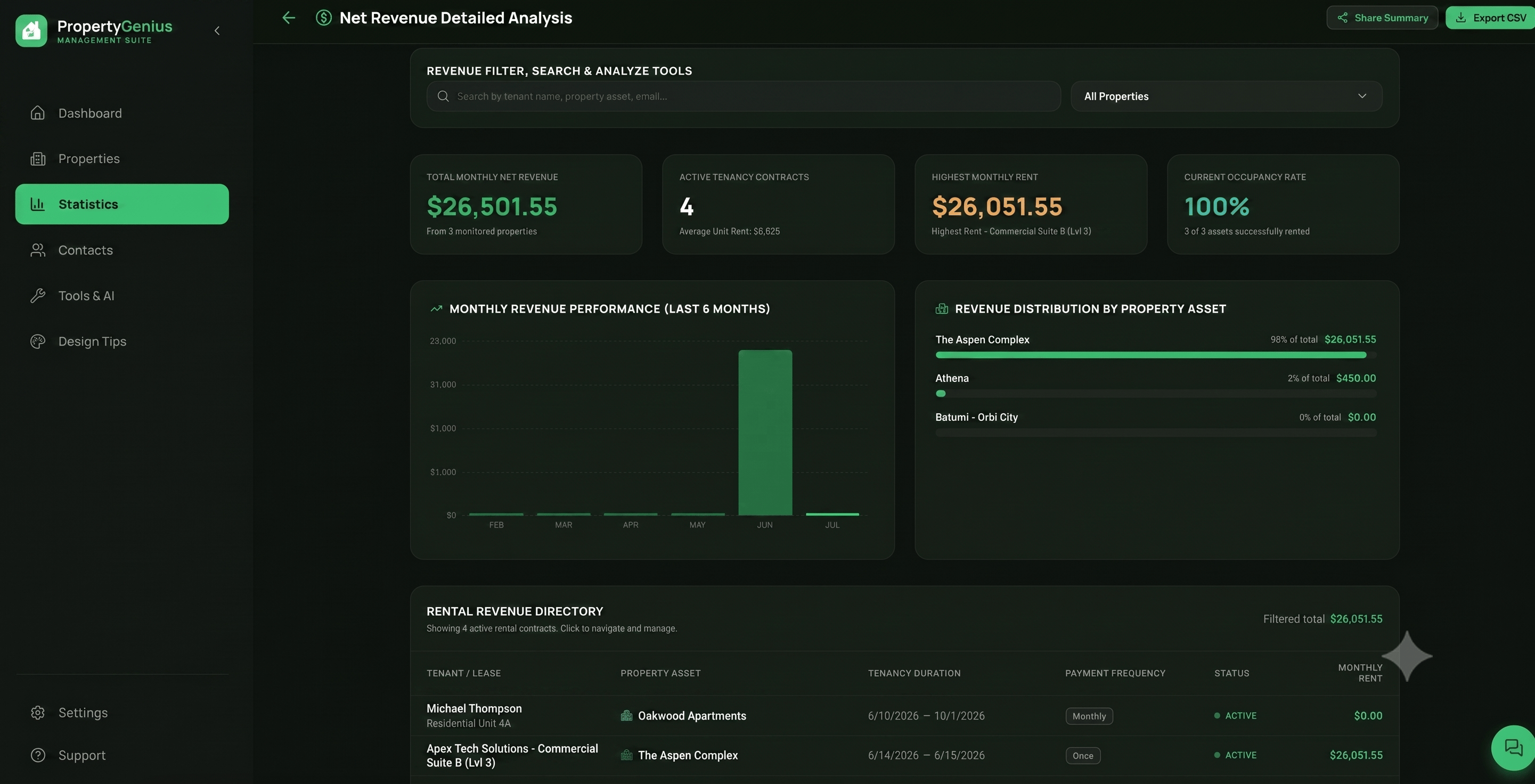
 Track your expenses, payouts, and financial performance using the Statistics charts available in each property's **Expenses** tab or through the main [**Statistics**](/statistics) dashboard.
 Need help? Reach out to us at [support](mailto:support@yourcompany.com)[@property-genius.co](https://property-genius.co/)